

End Printer Downtime
You need hardware that works harder.
You didn't hire your team to troubleshoot error codes. Replace the daily frustration of jams and glitches with a printer fleet that works the first time, every time.
Hundreds of local businesses trust Document Imaging Partners to organize, automate, and protect their documents.
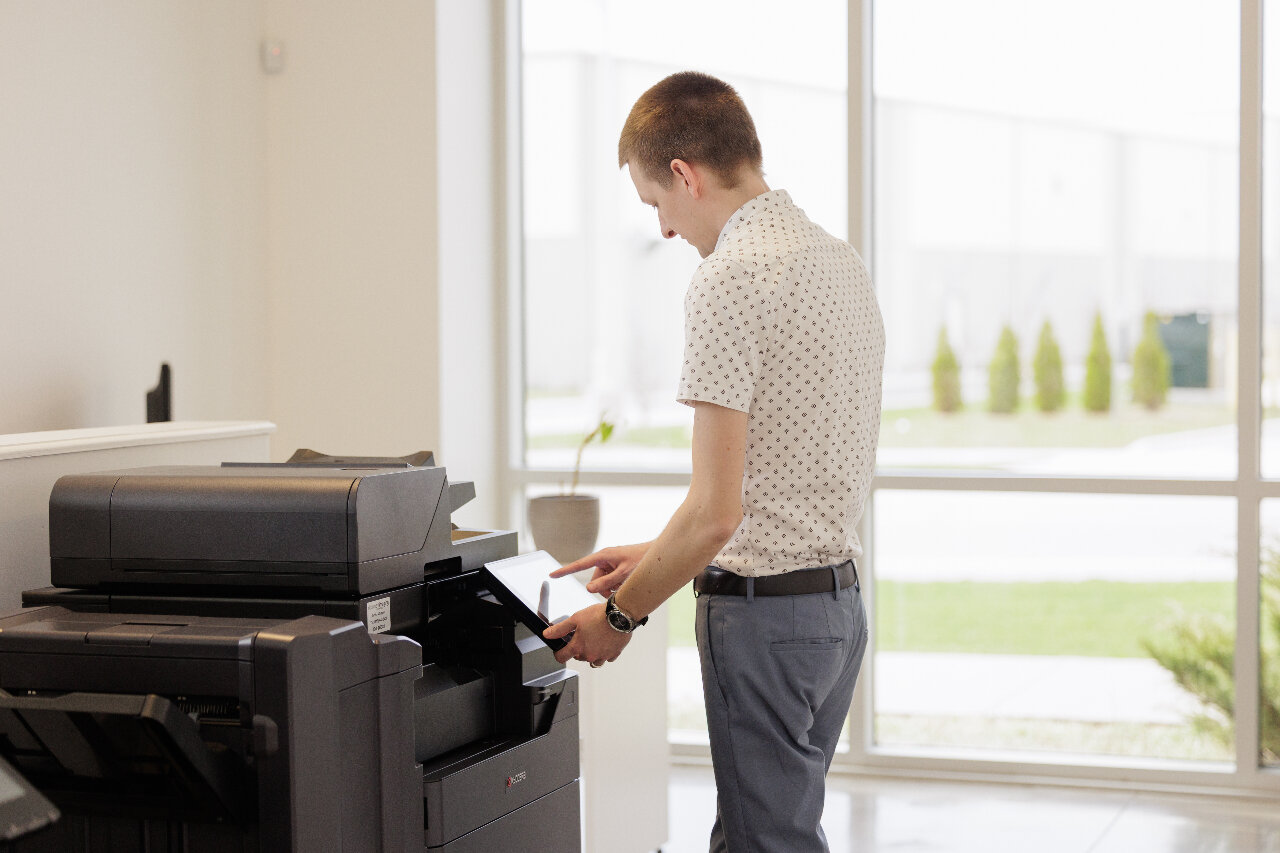
Minimize printer disruptions.
Printers are mechanical devices, and occasional jams or error codes are a reality of any office.
But you shouldn't have to spend your morning fighting with a machine while a courier waits for a shipping label, or apologizing to a client for a streaky contract.
You need a system that minimizes these disruptions and gets you back online quickly.
Why your printer always quits at the worst possible moment
Paper jams: Paper dust acts like sandpaper on the printer’s rubber rollers. Over time, they wear down and start slipping. If your provider isn't proactively replacing these before they fail, they are scheduling your next breakdown for you.
Streaks and faint text: This is the cheap toner tax. Cheap cartridges often leak, coating sensitive laser glass in a fine dust. Saving five dollars on a cartridge can cost you a five-figure client relationship.
No response but no error light: You hit print. You wait. Nothing happens. Chances are that a single large file has "clogged" the print spooler, and no other work can get through until someone with IT knowledge manually clears the path.
Driver error: Software and hardware are in a constant tug-of-war. Without a partner who manages your print environment (not just the boxes), a simple Windows update can disconnect your entire office from its most vital tools.
Printer offline: Your printer is likely suffering from Address Amnesia. A simple power flicker causes the machine to reset its dynamic IP address. If another device grabs that address, your office computers continue sending jobs to a destination that no longer exists.
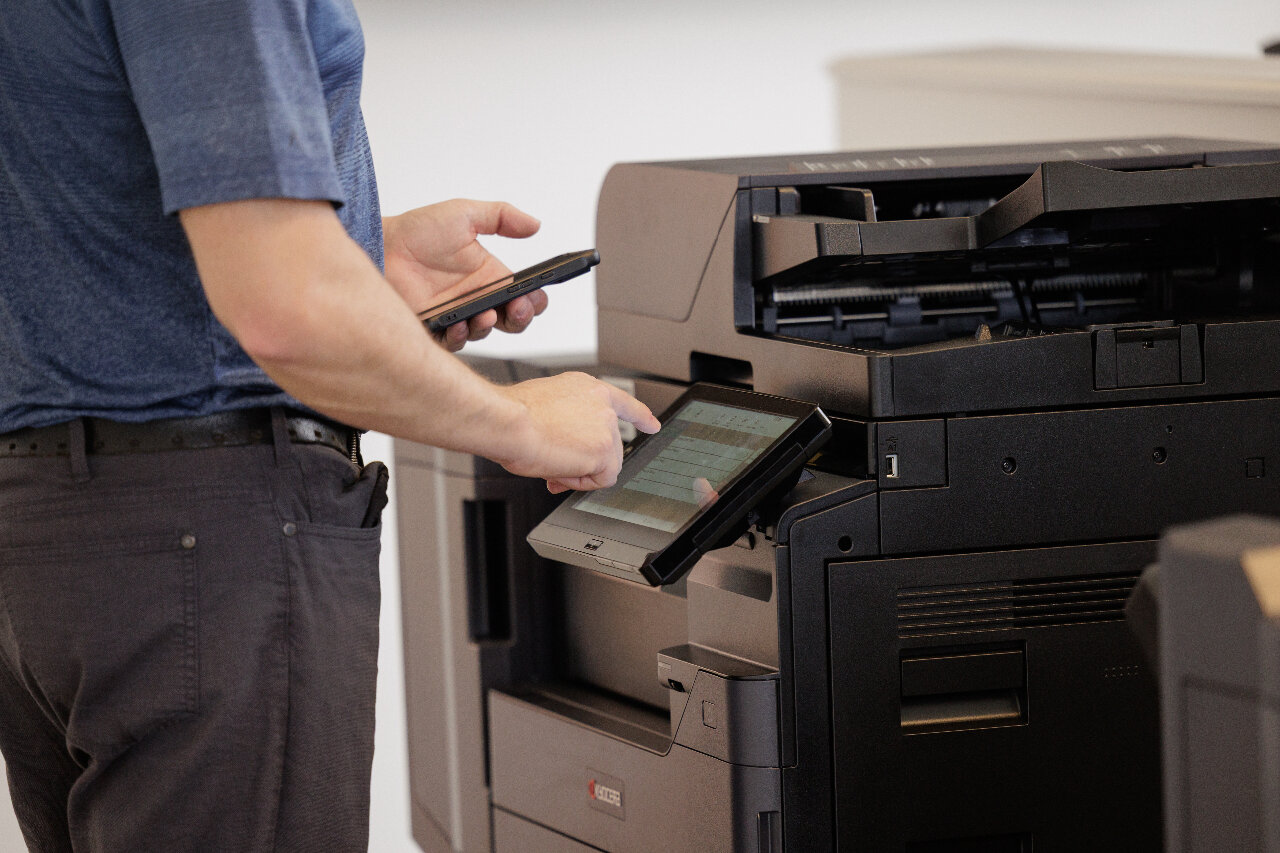
Make printing the easiest part of your day.
The best office equipment is the kind you forget about.
You send a file, walk to the tray, and pick up your document. It's clean, it's fast, and it's there every time. You don't have to check toner levels, interpret error codes, or cross your fingers.
This is what you get with Document Imaging Partners: the uncertainty of standard office machines gets replaced with industrial-grade Kyocera hardware and local support, with maintenance fully handled, so you can focus entirely on running your business
The D.O.C. Process
3 steps to 50% faster searching.
You don’t have to spend hours auditing your own fleet. Our white-glove D.O.C Process handles the messy bits, so your team doesn’t have to.

Discovery
You'll never be pushed toward the most expensive machines. Your fleet gets a 'Right-Sizing' audit that clears the clutter and explains your Total Cost of Ownership. Every machine has a purpose, and your monthly overhead costs finally makes sense.

Onboard
Your technical heavy lifting is handled for you. Address books get pre-configured, your Network settings are saved and secure printing gets set up before the machine even arrives at your office.

Continued Support
When you call us, you reach a real, local person you know by name. This is the Anti-Call Center Experience: no ticket numbers, no automated scripts, and no offshore call centres.

Machines built to last.
Most printers use soft, plastic drums that degrade quickly. Every time you run out of toner, you are forced to pay for and replace the entire unit.
Document Imaging Partners provides Kyocera technology featuring Amorphous Silicon or Ceramic drums.
How It Works
Lifetime components: Our drums are second only to diamonds in hardness. The technology is built to last, extending the time between maintenance cycles and keeping your machine running stronger, longer.
Consistent quality: Because the drum doesn't wear down like plastic, page 200,000 looks identical to page one.
Lower TCO: You stop treating the drum as a recurring expense. You only replace the toner, significantly reducing your total cost of ownership.
Reliable paper handling: Precision engineering ensures that critical workflows like financial reporting continue without interruption.
Workhorse dependability: Independent laboratory testing has proven Kyocera printers maintain 10/10 reliability ratings for misfeeds and downtime.
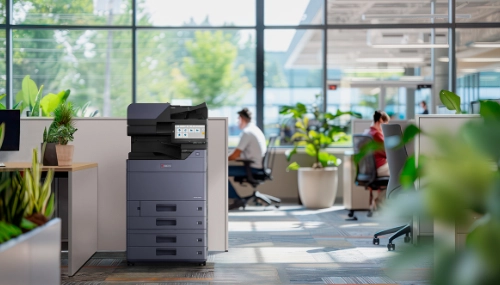
Fix the problem before work stops.
Usually, you only know a printer is broken when you are standing in front of it and the document won’t print. We identify and resolve issues before you even realize there is a problem.
How It Works
Remote diagnostics: Our monitoring system, Kyocera Fleet Services (KFS) communicates directly with the hardware without needing extra software on your internal network.
Instant remote repair: We handle configuration updates, firmware patches, and reboots remotely, solving issues in minutes.
Proactive toner monitoring: Real-time monitoring tracks your actual page counts and sends you notifications when toner is running low. Your team can easily order a replacement well before you run out.
Up to 60% Cost Savings
Using Kyocera Fleet Services (KFS) and our Colour Advantage Program, where you pay only for the toner you actually use.
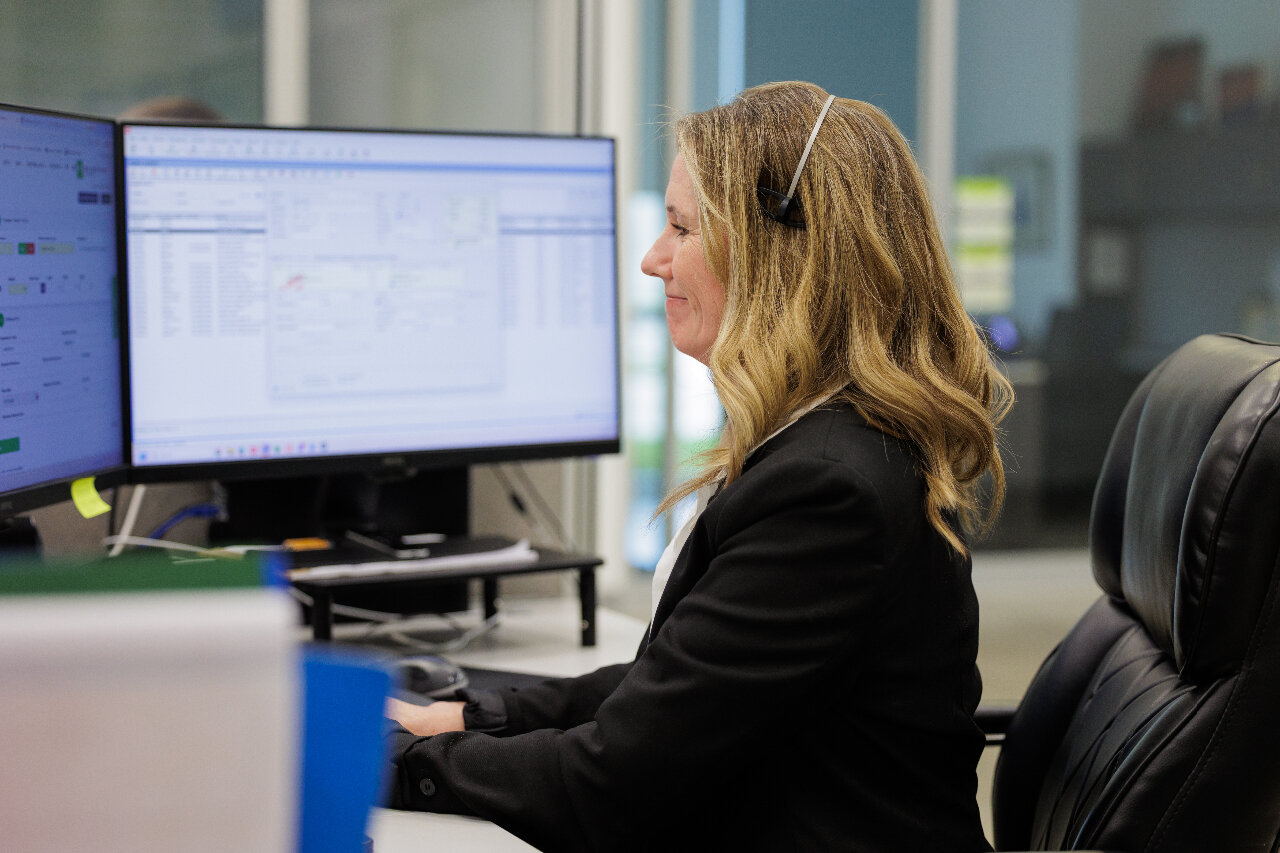
Get a technician, not a ticket number.
When your printer goes down, you don't want to wait on hold. You want it fixed. We believe support should be personal, local, and immediate. We show up, often before you even finish your morning coffee.
How It Works
$1 Million local inventory: We maintain a massive inventory of parts in Cambridge, Ontario, so that our technicians can fix your machine the same day.
Full local support team: You have direct access to a full local support team of professionals. When an issue arises, simply reach out to our team by phone or email. At which point you will be sent over to our highly trained Helpdesk professionals to resolve the issue remotely within minutes, or if a technician is required, they will be dispatched to you within a few hours.
25 Years of local expertise: We have supported local businesses for over two decades, and our client retention rate proves we do what we say and say what we mean.
98% Customer Retention Rate Over 25 Years
Because we treat you like a neighbour, not a ticket number.
Add Document Management Services
Print is only half the story. Bridge the gap between paper and digital by connecting your high-performance hardware to an automated document management system. Organize your files based on what they are, not where they are saved, and end version confusion forever.
Frequently Asked Questions
I know the big names like Xerox or HP. Why should I trust Kyocera?
Kyocera might not be the brand you see in the back-to-school aisle, but they have spent 60 years perfecting the heavy-duty electronics that power major businesses. In Canada alone, they have over 20 years of experience keeping workplaces running. Keypoint Intelligence (BLI) awarded Kyocera the "A3 Line of the Year," essentially the MVP award for professional office equipment. We use Kyocera printers because they are, quite simply, the gold standard in our industry.
How long do I have to wait for a Kyocera printer to warm up? I hate standing around for a single page.
Kyocera devices provide consistently faster-than-average job stream and first print-out times. This guarantees that for quick, single-page jobs, you get your document and return to work immediately.
My IT team is already overwhelmed. How much of their time will installation and setup take?
We provide a "quiet" implementation designed to minimize the burden on your staff. We coordinate with your IT department ahead of time to gather necessary settings and handle driver installations. Machines arrive pre-configured with your specific settings and address books loaded, ensuring a smooth transition built on teamwork rather than disruption.
Do we need a technician to come out for every little software glitch or update?
No. Most configuration updates and reboots are handled remotely via KFS. This allows us to resolve issues in minutes rather than days, closing service calls immediately.
Take the first step towards zero-downtime.
See how Document Imaging Partners keeps your office printers running.