How Automation is Transforming Archive Processes for Accounting Firms

Accounting firms keep everything for years but rarely look at most of it. The real challenge is finding the 3% of archived files you need—and finding them fast.
That small percentage creates big problems. A CRA audit request comes in with tight deadlines. A client questions a tax position from two years back. A new engagement requires reviewing how similar situations were handled. Your archive system's real performance becomes obvious in these moments.
Most practices discover their filing systems work backwards: easy to store, hard to retrieve. Documents get organized by how accountants file them (client, year, category), not by how anyone searches (vendor, transaction type, account code). This gap costs time daily.
Scanning paper into folders just creates electronic filing cabinets with the same problems. Off-site storage reduces clutter but slows access. Better labels help until someone forgets the system.
Digital transformation for accounting practices works differently. Instead of digitizing old filing methods, it rebuilds how documents get captured, organized, and found.
Why Accounting Firms Need Different Document Systems
Accounting practices handle documents differently than most businesses. Higher volumes. Longer retention periods. Bigger consequences when something's missing.
The real difference is how often you need old files. Most businesses rarely access documents after a few months. Accounting firms need instant access to records from any point in the retention period. A question about four years ago requires the same speed as yesterday's work.
Standard filing can't deliver this. It assumes older documents get accessed less, so slower retrieval is fine. That assumption fails constantly in accounting work.
During audits, you need documentation spanning years, clients, and transaction types. Staff hunt through files that were archived by arrival date, not by how they'd be needed later. Searches take hours or days. Missing something has real consequences.
CRA retention requirements make this harder. Six-year minimums mean substantial volumes pile up. Some records need to be kept longer. And CRA expects reasonable production times—"it's in storage somewhere" doesn't cut it.
Manual systems break as practices grow. Staff who knew where everything was eventually leave. New people struggle with filing logic that was never documented. Retrieval times increase. Errors multiply.
The transition point often comes during growth phases. A practice that managed fine at 10 clients struggles at 30. Staff who could remember where everything was can't maintain that mental map anymore. What worked through personal knowledge fails when the practice needs systems that work for everyone.
How Automated Systems Speed Up Retrieval
Modern automated document management isn't about scanning or storage. It's intelligent indexing that happens automatically.
Instead of filing documents in folders, automated systems tag them with searchable details. Every invoice gets indexed by vendor, date, amount, and client. Tax documents link to specific returns. Supporting docs connect to the transactions they validate.
This changes retrieval completely. Finding all invoices from one vendor across clients and years becomes a simple search. Pulling everything for a tax position takes seconds instead of hours. When audits arrive, searches compile documentation automatically.
The time savings are substantial. But reliability matters more. Searches find what exists, not what someone remembered to file correctly. Nothing gets lost through misfiling. New staff find documents as easily as veterans.
This helps practices with multiple locations or remote teams. Everyone accesses the same system with the same search power. Geography doesn't create barriers. Hybrid work doesn't force office visits for document access.
Search capabilities extend beyond basic fields. Full-text search finds documents based on content, not just metadata. This matters when you remember what a document said but not what it was called or where it was filed. Advanced filters combine multiple criteria—all invoices from a specific vendor above a certain amount within a date range for particular clients.

Cutting Manual Work Through Better Capture
Traditional document handling requires substantial manual effort. Someone types invoice details into the accounting system. Files get attached to transactions manually. Tax documents need data entry before filing.
This takes time and introduces errors. Transposed digits. Wrong dates. Misapplied account codes. These mistakes show up later when reconciliations don't balance or clients question charges.
Automated document archiving eliminates most manual work. Tools like ChronoScan extract data directly from documents. Invoice details, amounts, dates flow automatically. Account codes apply based on your rules. Data moves into the accounting system while documents archive with metadata attached.
This handles more than invoices. T4s, T5s, receipts, bank statements all follow similar workflows. The system learns formats over time and gets more accurate.
For practices processing hundreds of documents monthly, time recovery adds up fast. Staff shift from data entry to analysis and client work. Error rates drop. Documents become searchable immediately instead of sitting in processing queues.
The accuracy improvement particularly matters during tax season. When staff are processing high volumes under deadline pressure, manual entry error rates increase. Automated capture maintains consistent accuracy regardless of workload or time pressure. This reduces correction cycles that waste time during the busiest periods.
Building Workflows That Actually Work
Document management solves retrieval and capture. Workflow automation addresses what happens next.
Traditional workflows rely on people remembering steps. Someone decides where documents go, notifies the next person, and hopes everyone follows through. This breaks when someone forgets, goes on vacation, or handles things inconsistently.
Automated document workflows route documents based on rules you define. Client invoices go to the right accountant. Tax documents flow to prep teams. Audit requests trigger automatic gathering.
Exceptions get handled systematically. Missing information triggers follow-ups. Documents sitting too long generate reminders. Approval chains proceed without waiting for buried emails.
For Canadian practices, this helps around deadlines. Tax season workflows prioritize documents correctly. Audit responses track what's provided and what's outstanding. Year-end procedures follow sequences without manual checklists.
The logic adapts to your practice. Different clients follow different procedures. Staff roles determine routing. Integration with accounting systems means workflows trigger on system events.
Workflow automation also improves client communication. When documents arrive and enter processing, clients receive automatic confirmation. Status updates happen without manual follow-up. Completed work triggers notifications that keep clients informed without adding administrative burden.
Making Digital Transformation Practical
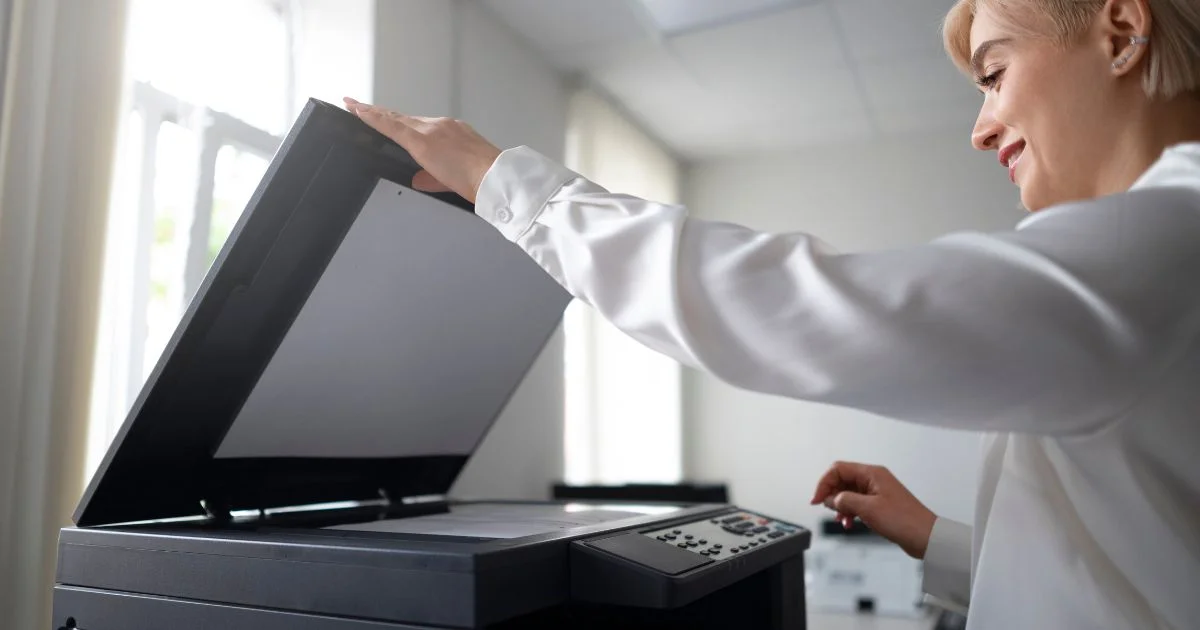
Most firms understand better document management would help. The barrier is implementation without disrupting operations or requiring huge investments.
Digital transformation differs from buying technology. Scanning equipment doesn't create automated archives. Software doesn't build workflows. The real work is designing systems that fit how you operate.
Successful implementations start small. Pick one problem area—often invoice processing or tax documents. Build automated workflows there first. Staff learn on familiar document types. Problems get solved before expanding.
The key is connecting capture, storage, and retrieval into complete workflows. Documents enter once, index automatically, route appropriately, and stay searchable. This integrated approach beats point solutions that address steps separately.
The phased approach also manages cost. Rather than a large upfront investment, practices spread expenses over time while generating returns from early implementations. Canadian businesses using this approach see productivity gains of 29% on average, generating $1.60 for every dollar invested.
Working with local partners who understand Canadian accounting requirements smooths transitions. They've seen how similar firms work and know regulatory considerations.
What Changes After Implementation
Practices implementing automated archiving notice immediate improvements. Retrieval drops from minutes to seconds. Document search interruptions decrease. Audit prep shifts from days to same-day responses.
Less obvious benefits emerge over time. Client service improves through faster answers. Remote work becomes fully practical. Training simplifies because new staff search instead of learning complex filing systems.
Growth gets easier. Practices struggling with current volumes handle more work without proportional admin increases. New clients don't mean more filing cabinets or storage fees.
The strategic advantage is freed-up time. Hours previously spent on document handling shift to advisory work, business development, and practice improvements. For competitive practices, this changes what services they can offer and how responsive they can be.
Staff satisfaction improves as well. Eliminating frustrating document searches and repetitive data entry makes work more engaging. Team members spend time on tasks that use their professional judgment instead of administrative busywork. This matters for retention in competitive talent markets.
Moving Forward
Most Canadian accounting firms know their document systems create problems. The question isn't whether improvement would help—it's how to make changes work within budget and operations.
You don't need to replace everything at once. Start where problems hurt most. Build from there as workflows prove value. Practices with the best results stopped treating this as an IT project and started viewing it as operational improvement that uses technology.
Document Imaging Partners helps Canadian accounting practices design document workflows that match how they work. The difference between systems that deliver and systems that get abandoned comes down to understanding specific needs before recommending solutions.
Our document workflow assessment identifies where current processes create bottlenecks and maps practical automation opportunities. For practices handling accounts payable, M-Files integration connects document management with existing accounting systems for seamless workflow automation.
Contact our team to schedule your document workflow assessment and get specific recommendations for your practice.